Signing up
Creating an account
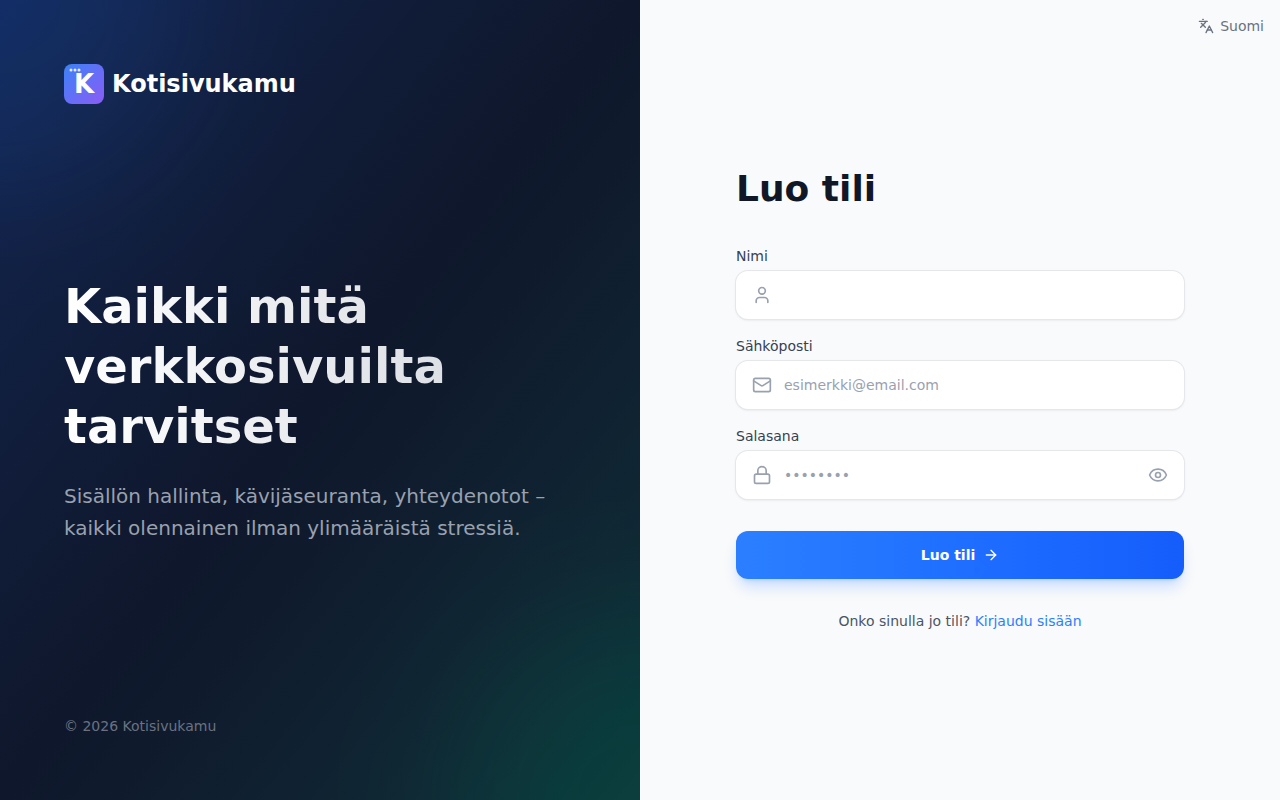
- Go to app.kotisivukamu.fi
- Click Create account
- Enter your name, email address, and choose a password
- Click Create account
- Confirm your email address by clicking the link sent to your email
Logging in
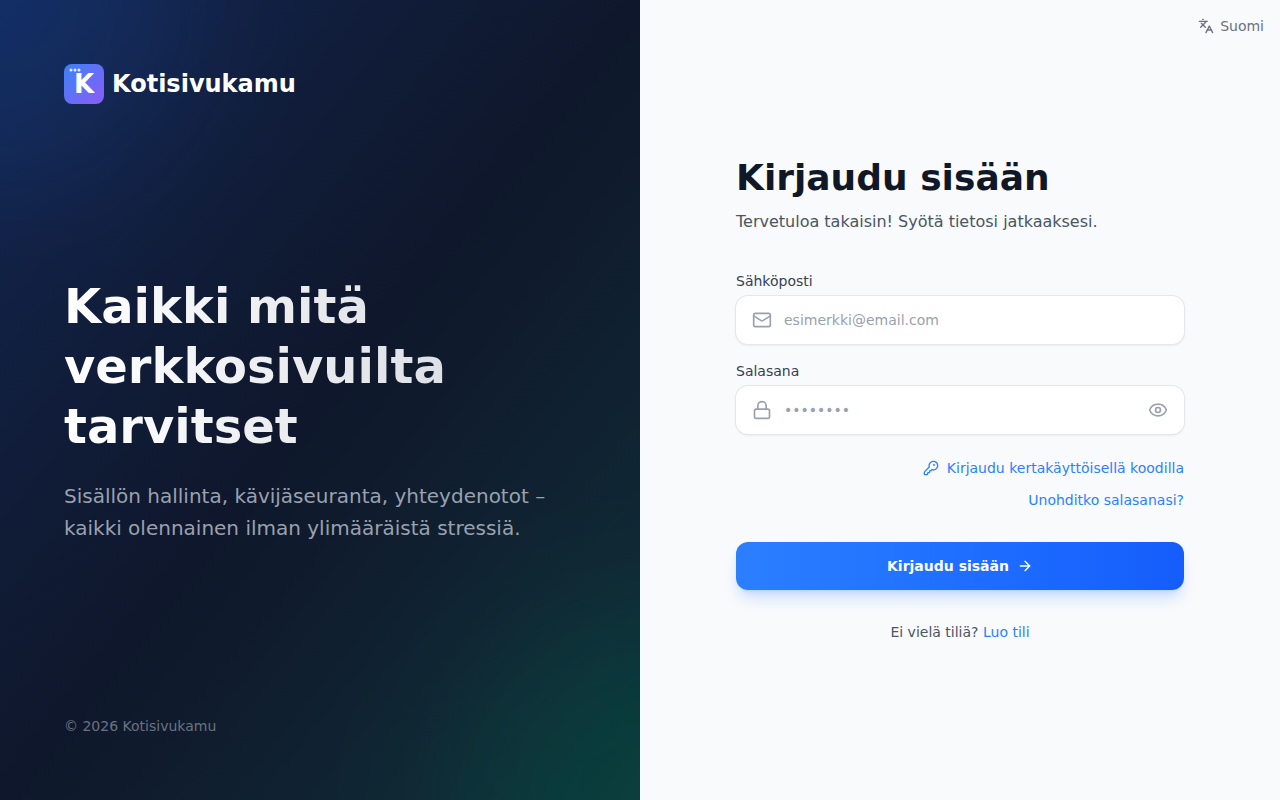
Log in at app.kotisivukamu.fi with your email and password.
You can also log in with a one-time code sent to your email. Select Log in with a one-time code on the login page.
Changing your password
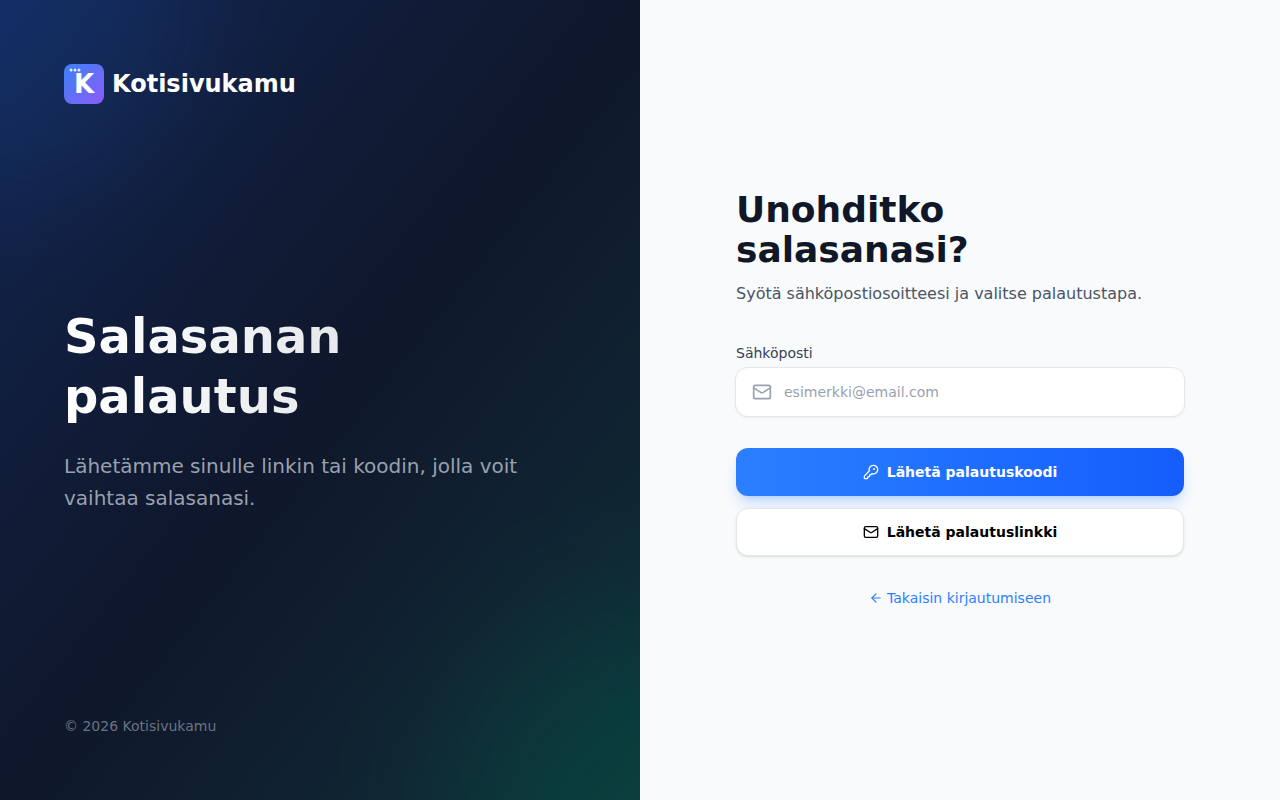
If you forget your password:
- Click Forgot your password? on the login page
- Enter your email address
- Choose whether you want a recovery code or a recovery link sent to your email
- Follow the instructions in the email to set a new password
Profile settings
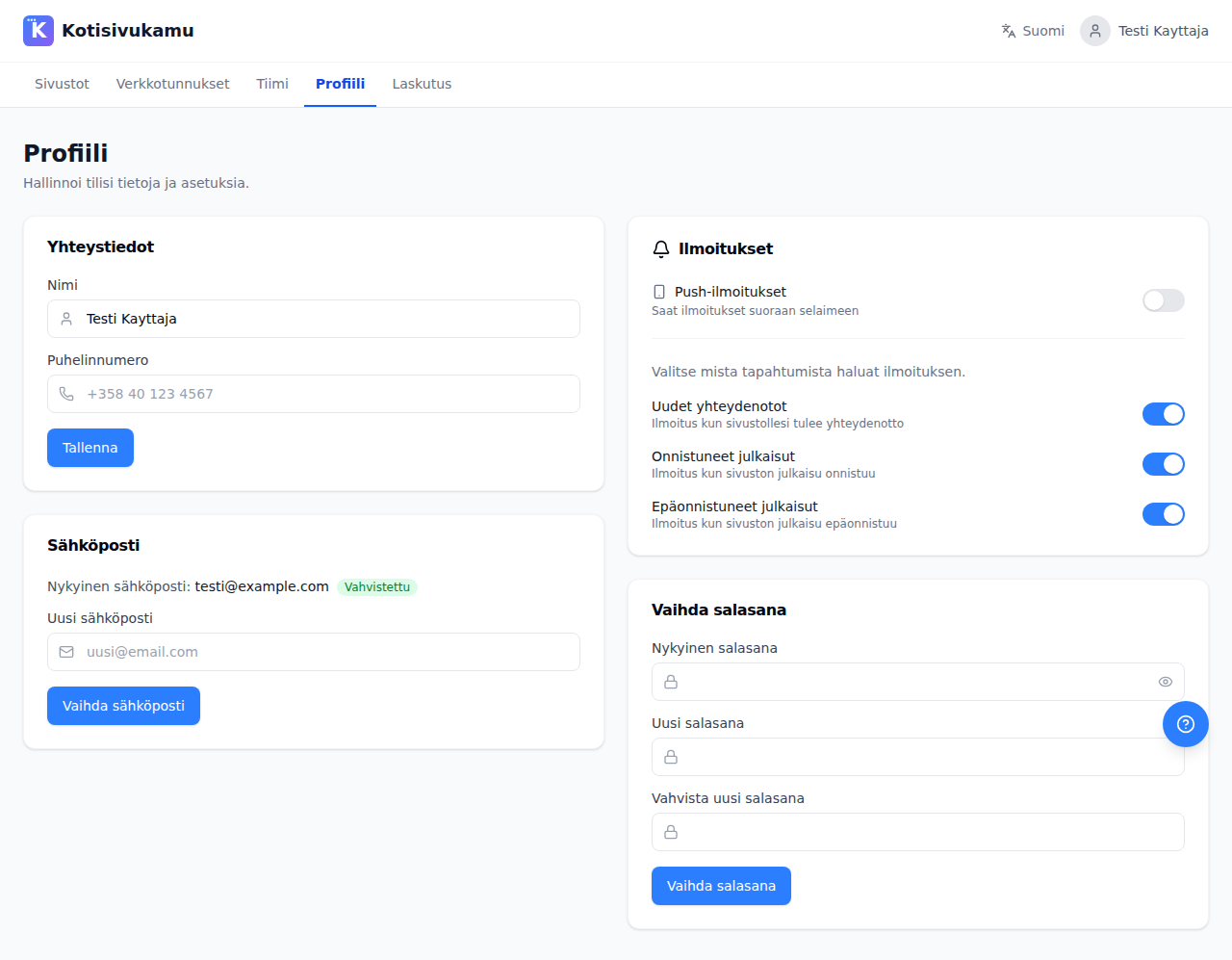
After logging in, you can edit your profile from the Profile page. From there you can:
- Update your name and phone number
- Change your email address
- Change your password
- Manage push notifications in the browser